Assembla
Assembla is a hosting service in the cloud that support in particular SVN and git repositories. In practice this is a good option to host SVN repositories freely. Much more feature are available with paid plans.
Creating an account
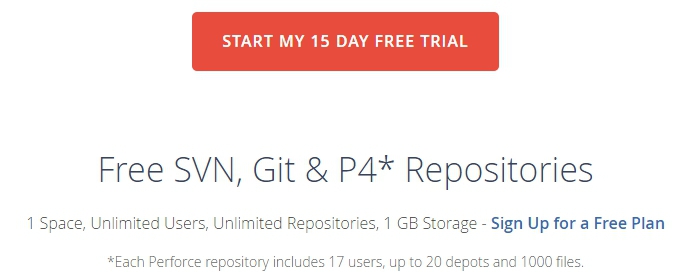
To get a free account use ‘Pricing’ and then click on the link
Sign Up for a Free Plan that is on the page as shown below:
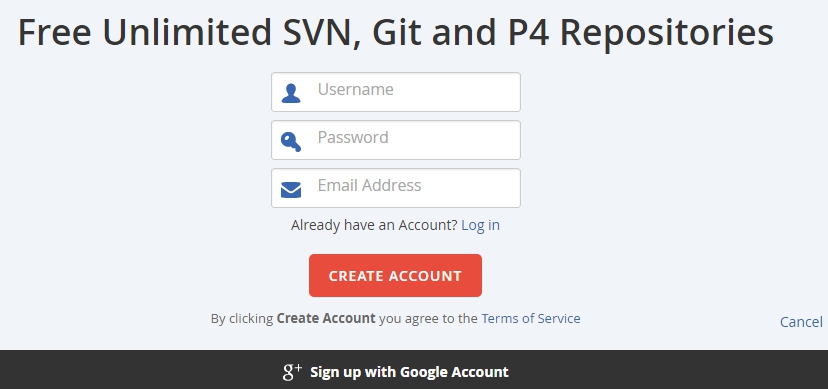
You can sign up with a google account. Otherwise you will just need to a few information: username, password, email, first name, last name.
Select add a SVN repository if this is what you want and give it a name. That’s all.
Adding collaborators to a repository
To add collaborators to the repository click on the repository and then
select the Team tab. You just have to enter the email of each collaborator
and select their status for the selected repository:
memberfor read/write accesswatcherfor read access
Using a SVN repository
SVN repositories are used remotely via SVN client. In order to do this
you must know the URI of the repository and give this URI to the client.
The URI can be found on the repository page in the SVN tab in the
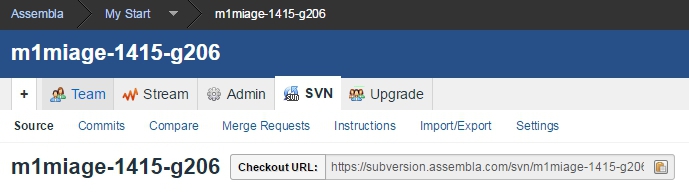
Checkout URL field as shown below.